Privacy-First Password Vault
End-to-end encrypted credential manager with biometric authentication. All data stays on-device.

The Problem
Most password managers require cloud sync, creating a surface area for data breaches. Many users, especially security-conscious professionals, want a simple, offline vault that never transmits credentials over the network.
Approach
I built a fully offline iOS password vault that encrypts credentials using Apple's CryptoKit before persisting to Core Data. Access requires biometric authentication (Face ID or Touch ID) via the LocalAuthentication framework. No account creation, no cloud sync, no network calls.
Architecture
On-Device Encryption
All credentials are encrypted at the application layer before being written to Core Data. Even if the device storage is compromised, raw data is unreadable without the biometric-derived key.
Biometric Gating
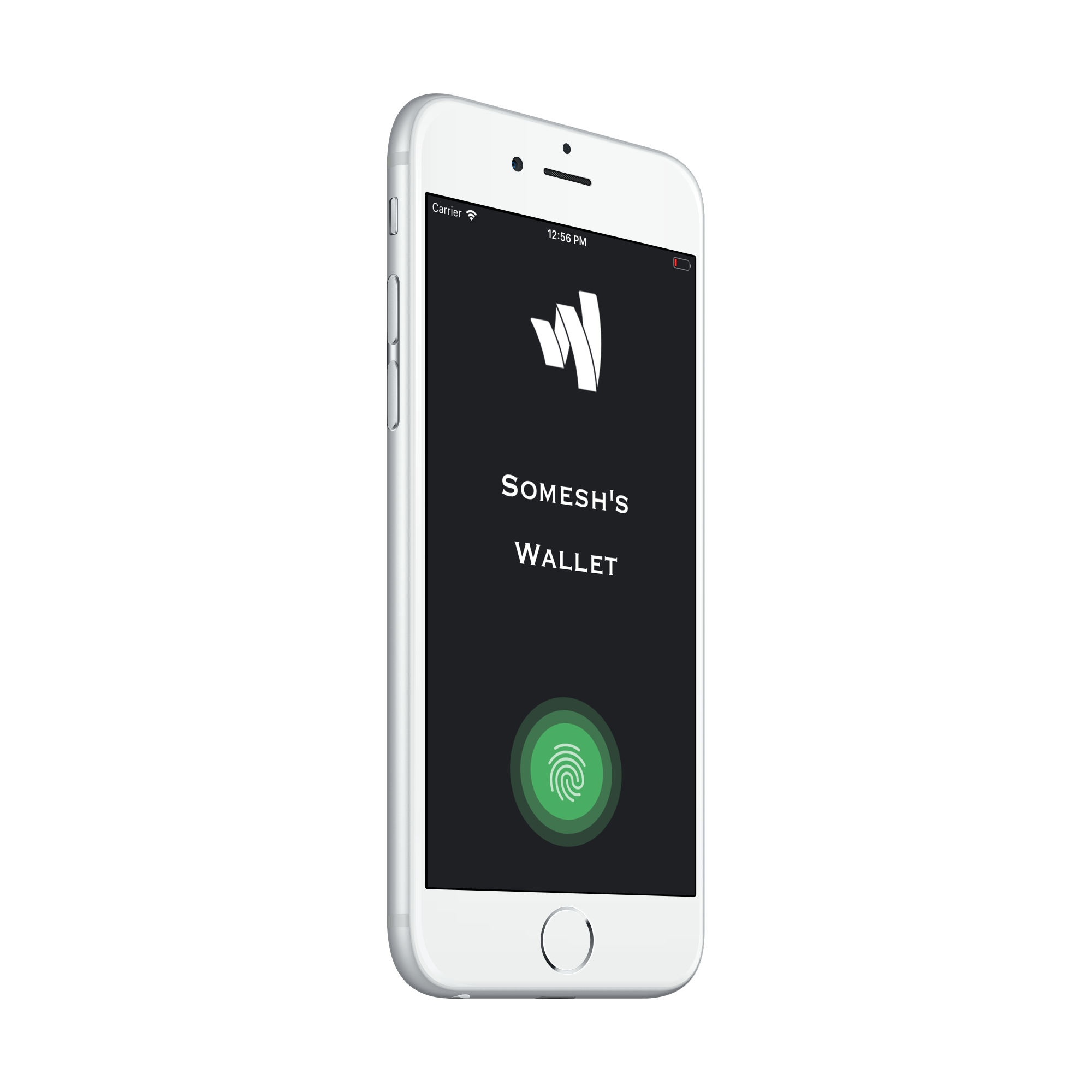
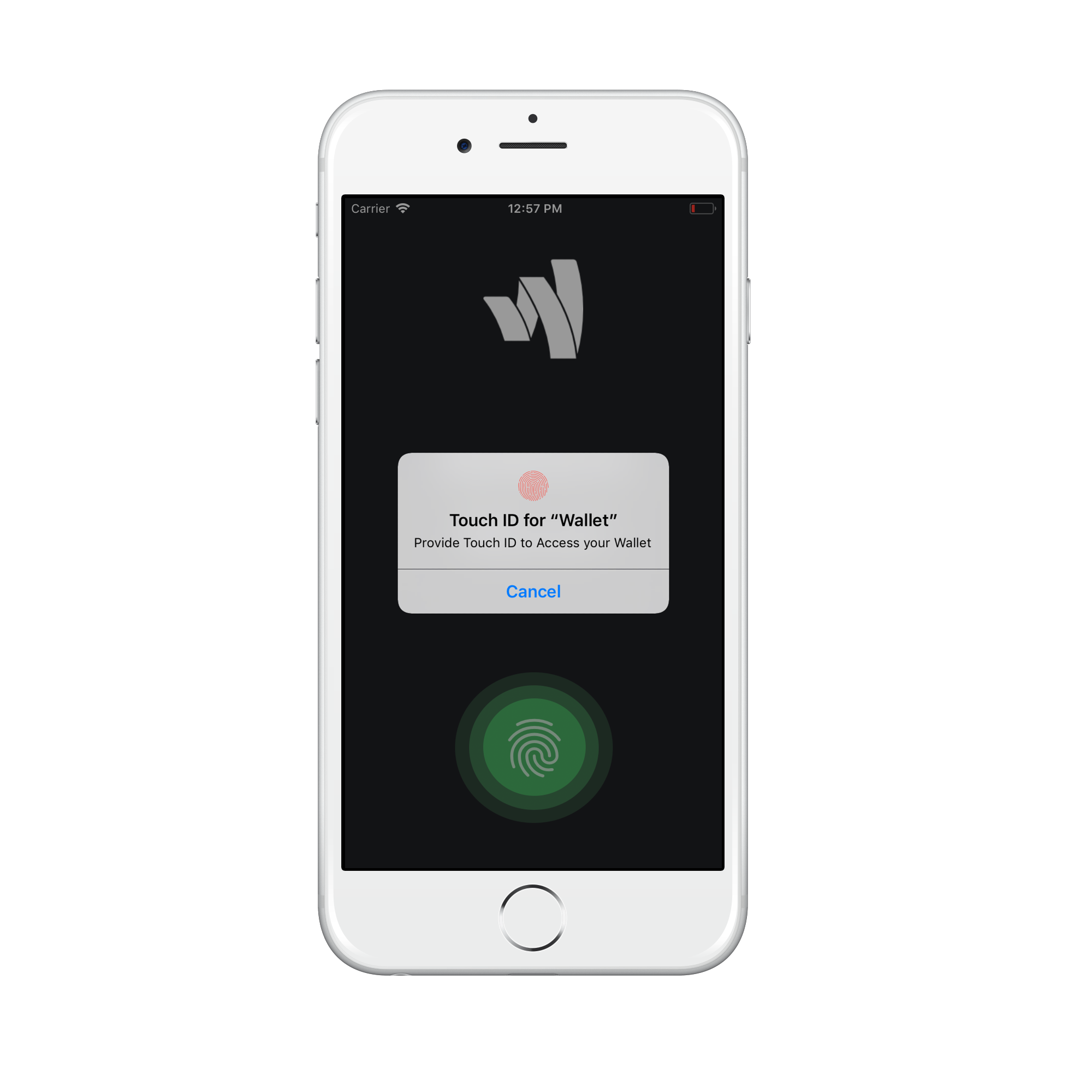
The app requires Face ID or Touch ID for every access session. There is no password fallback; if biometrics fail, the app remains locked. This eliminates the weakest link in most credential managers: the master password.
Privacy by Design
The app makes zero network requests. No analytics, no crash reporting, no telemetry. This is a demonstration of what “privacy-first” means when taken to its logical conclusion: no data leaves the device, ever.
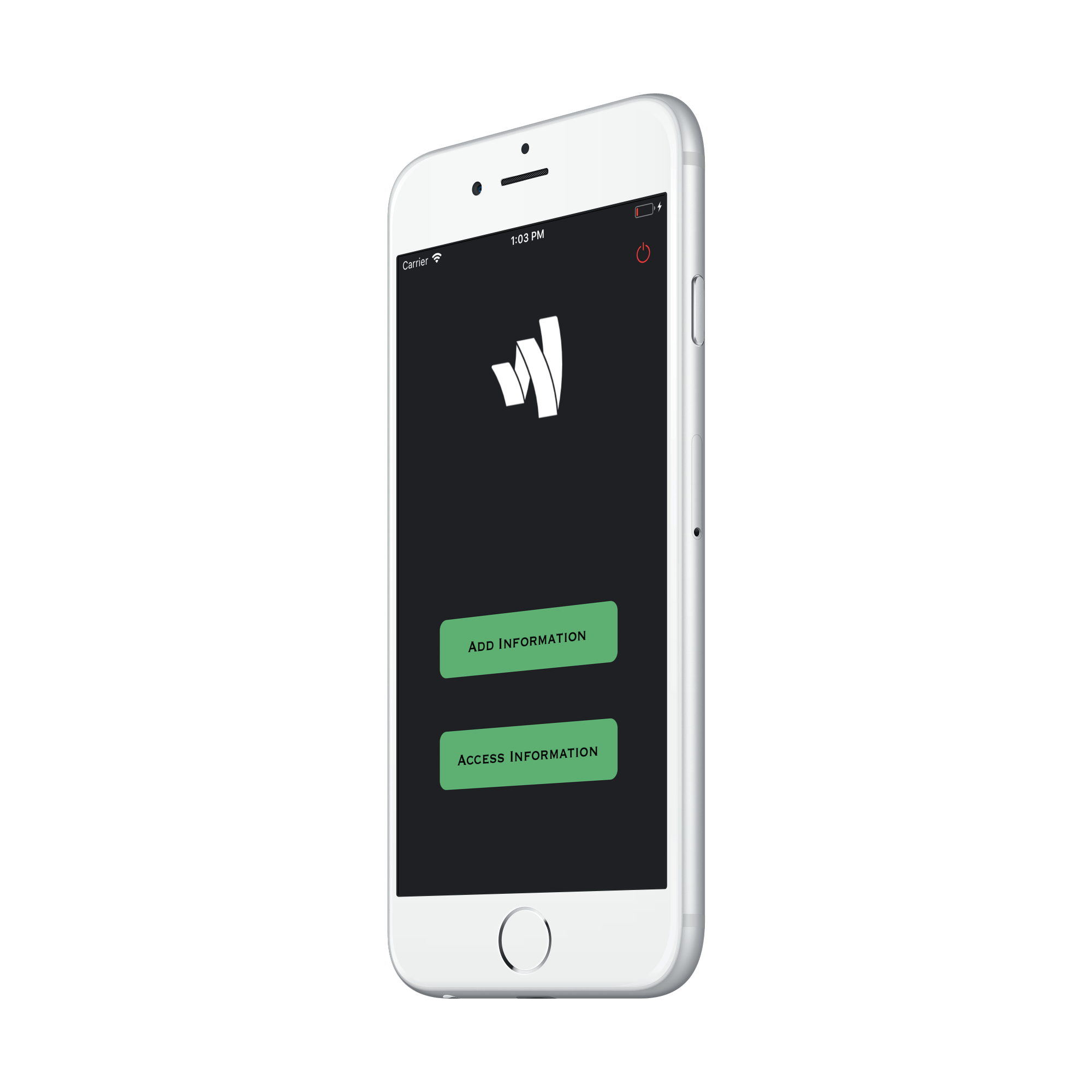
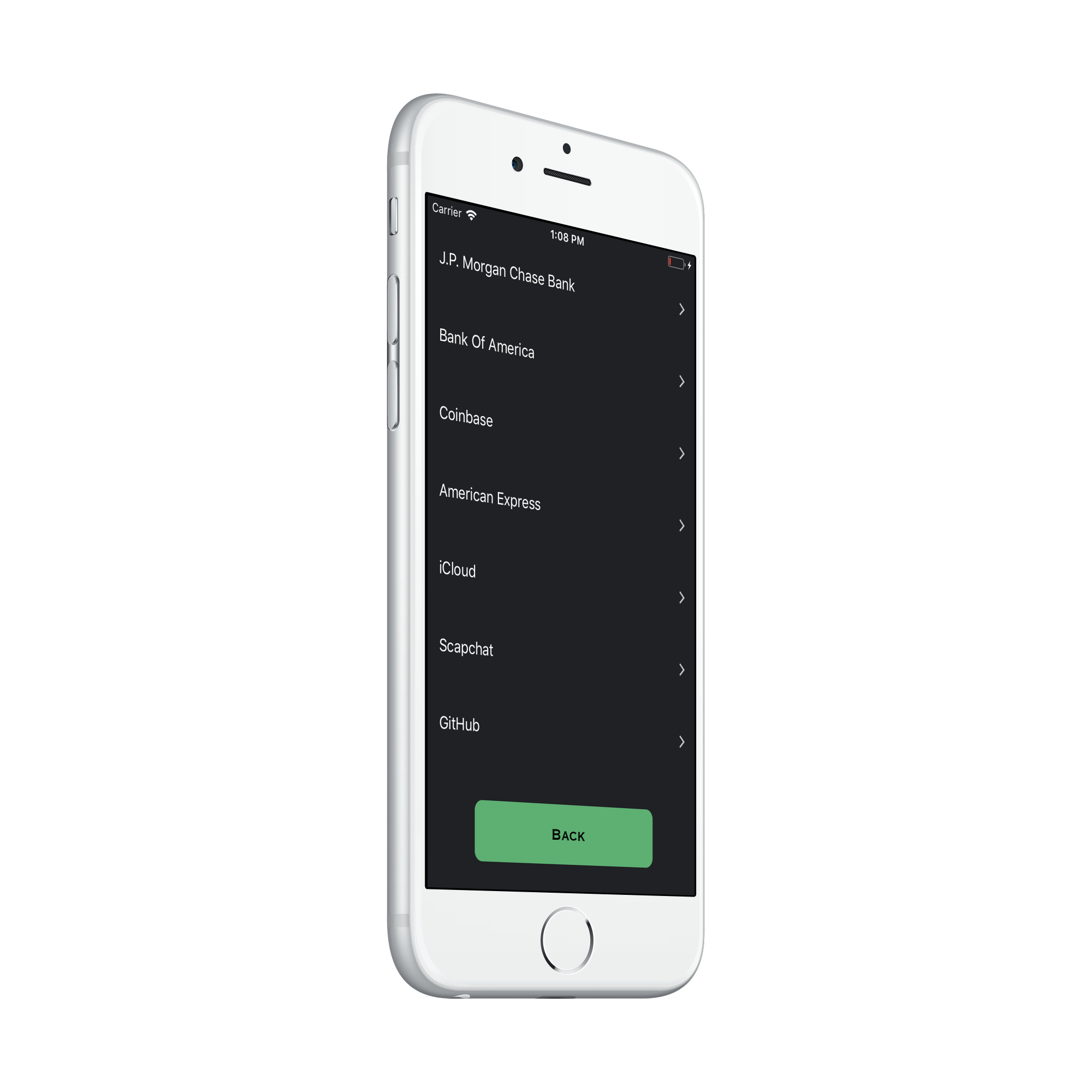
Screenshots
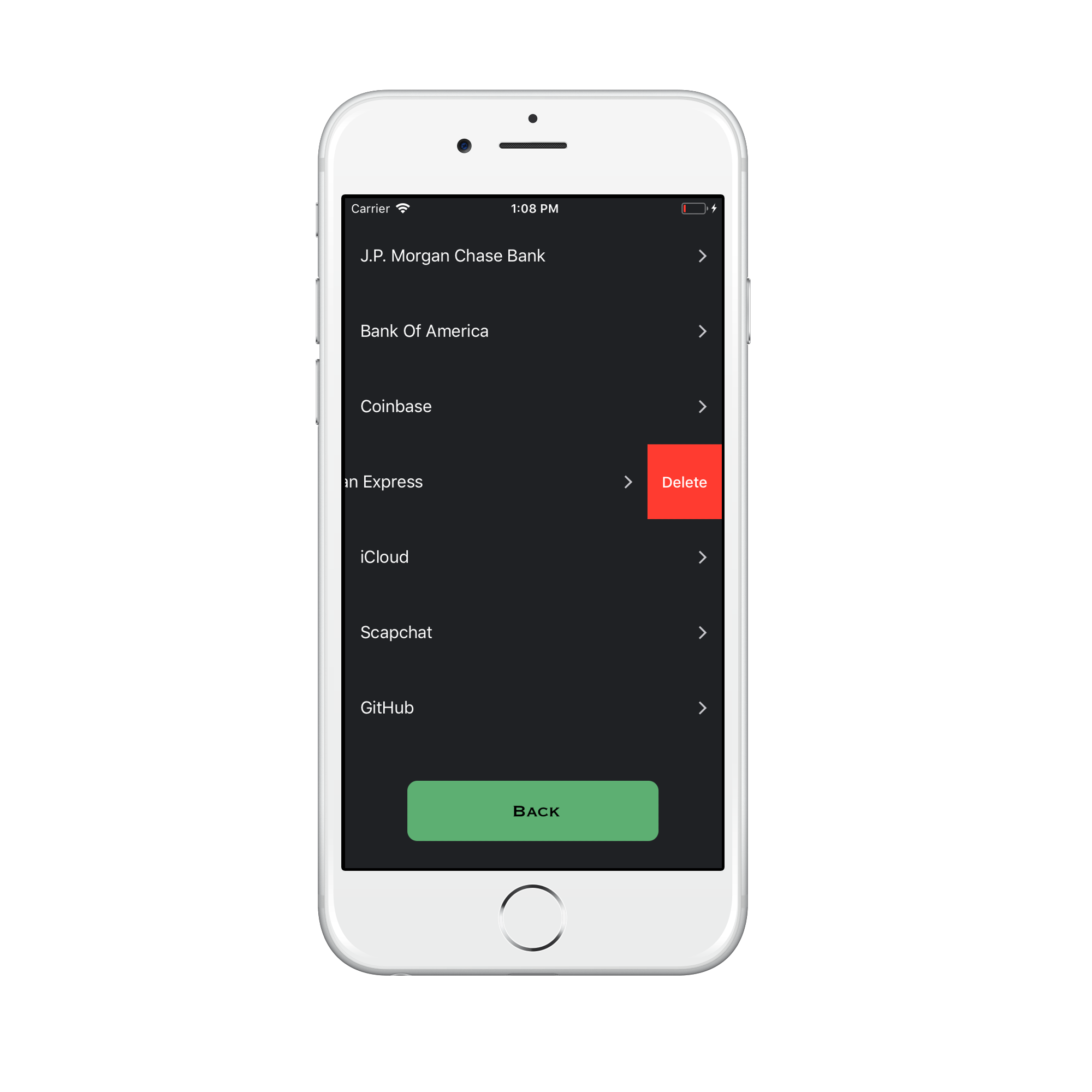
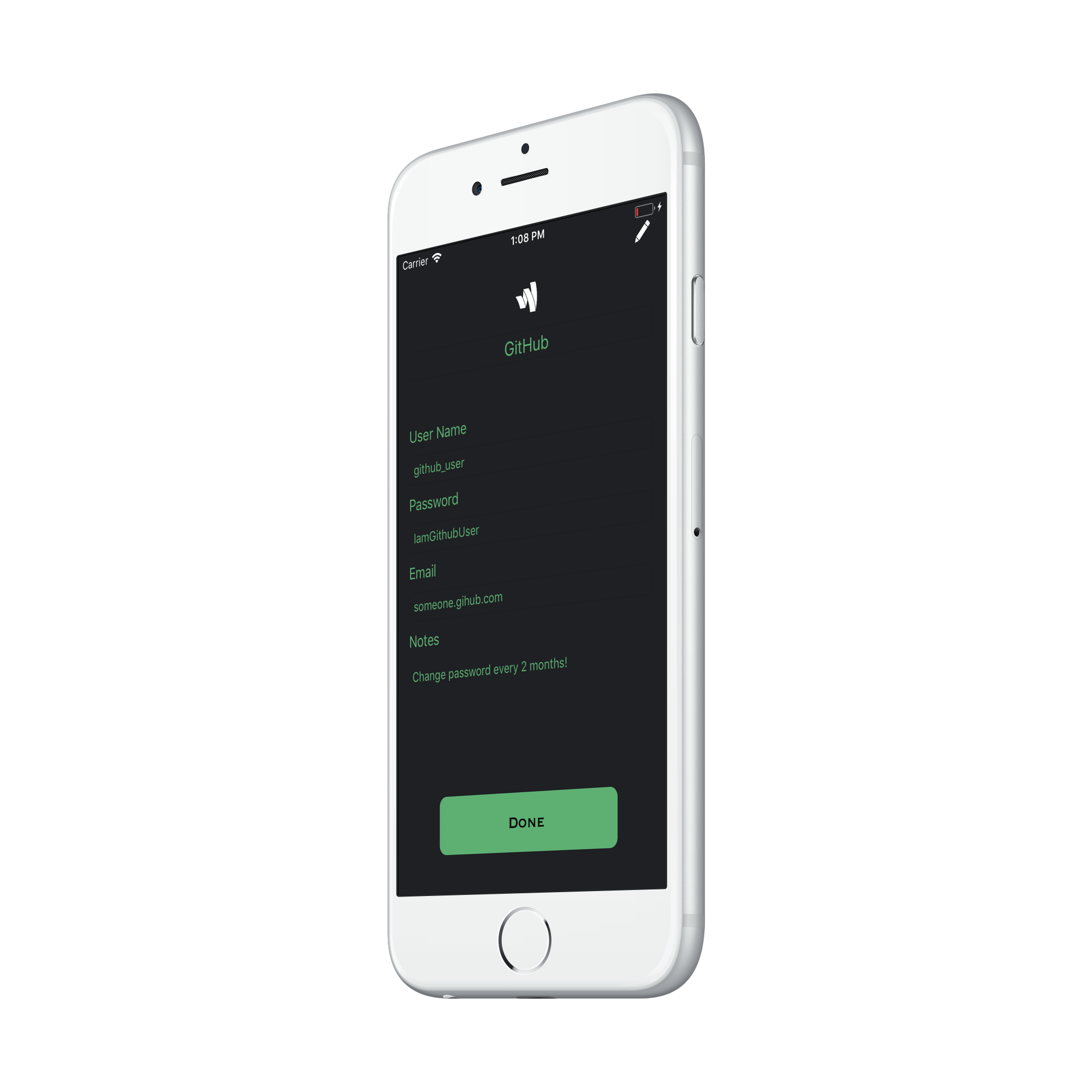
Impact
- Zero network requests: all sensitive data encrypted and stored locally
- Biometric-only access ensures credentials survive device theft
- Demonstrates privacy-first architecture suitable for enterprise deployment