HUD Speedometer
Heads-up display speedometer that projects speed and direction onto a vehicle's windshield.
The Problem
Drivers who want a heads-up speed display typically need expensive aftermarket hardware. The iPhone's GPS and display capabilities make it possible to create a software HUD that projects onto a windshield via screen reflection, but it requires careful UI design for readability in varying lighting conditions.
Approach
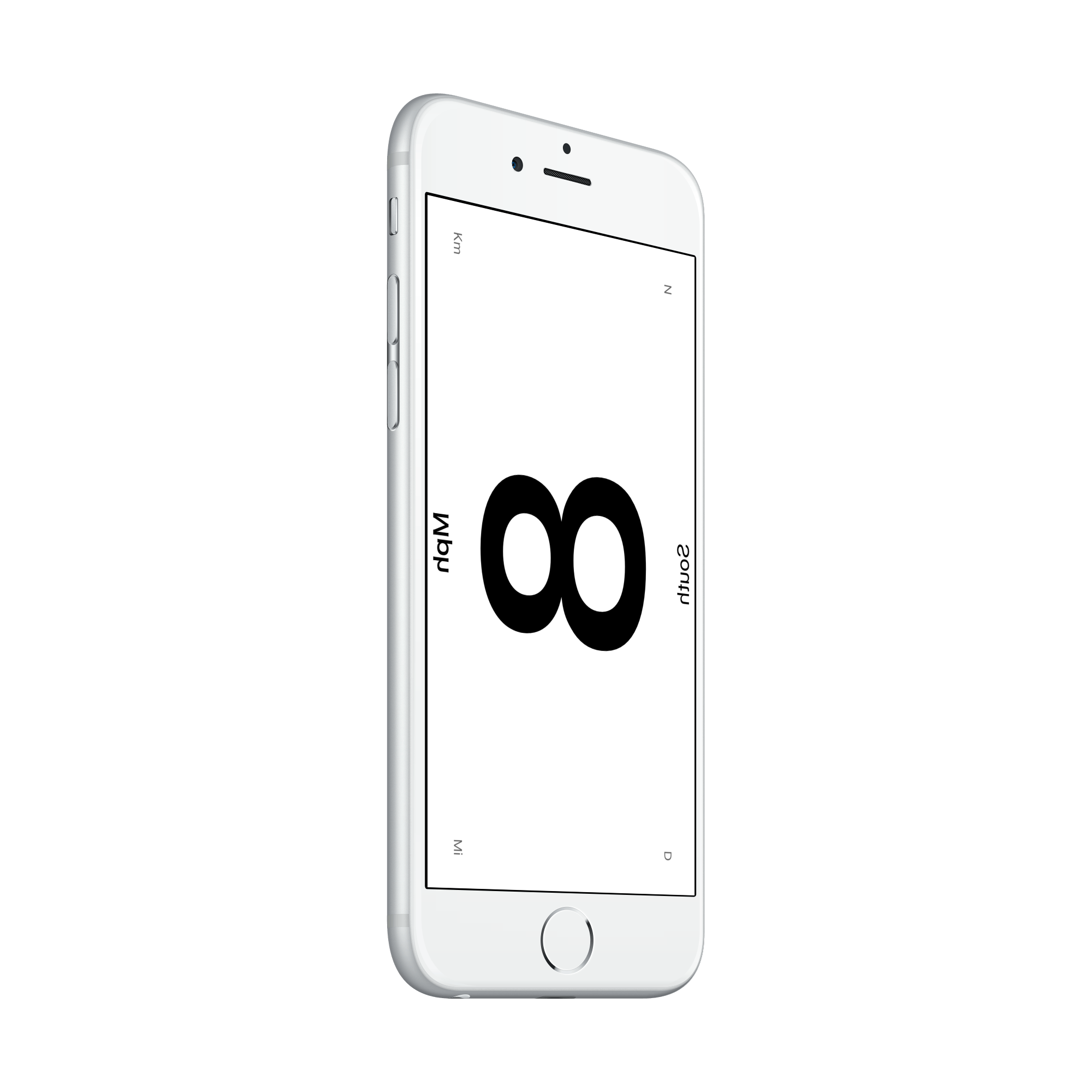
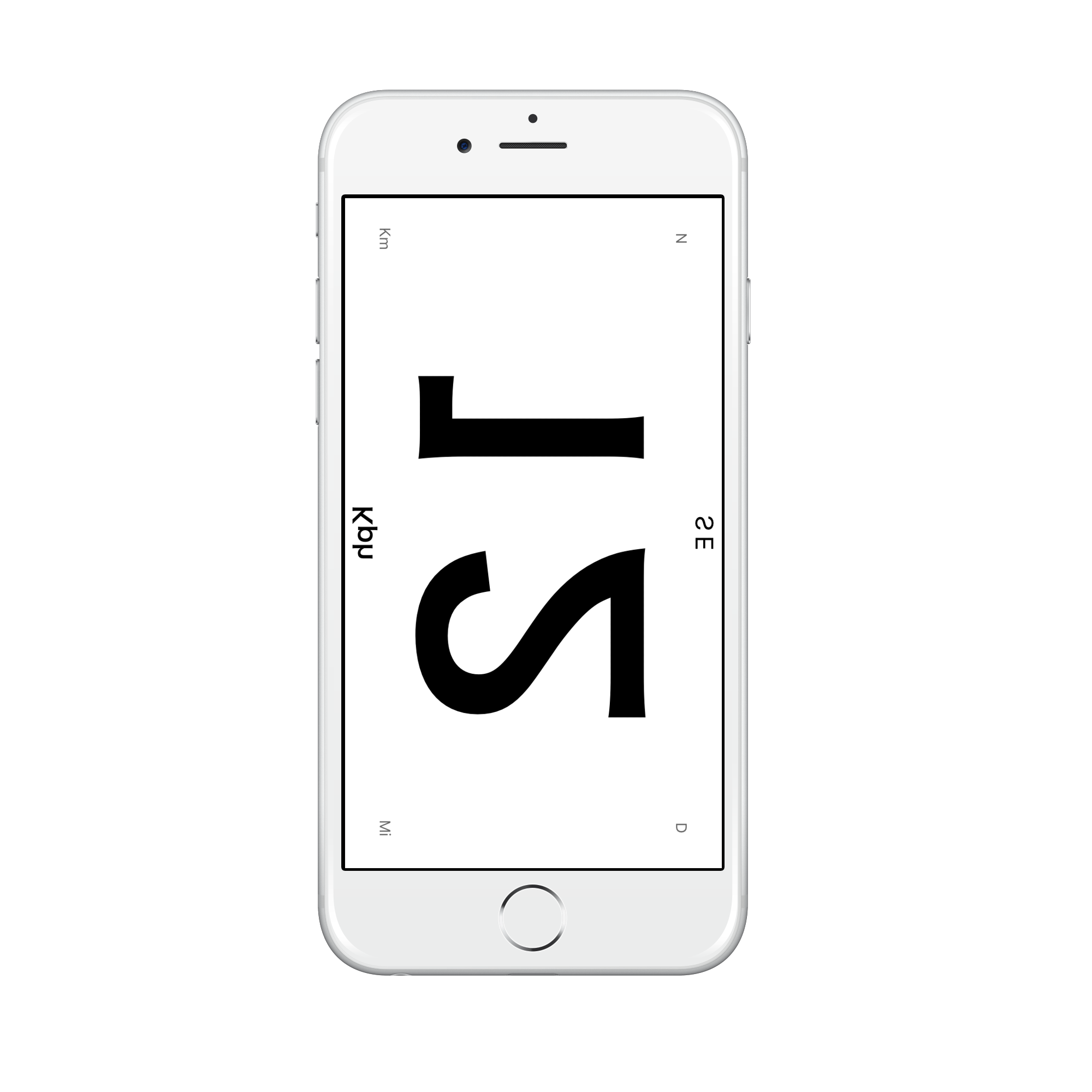
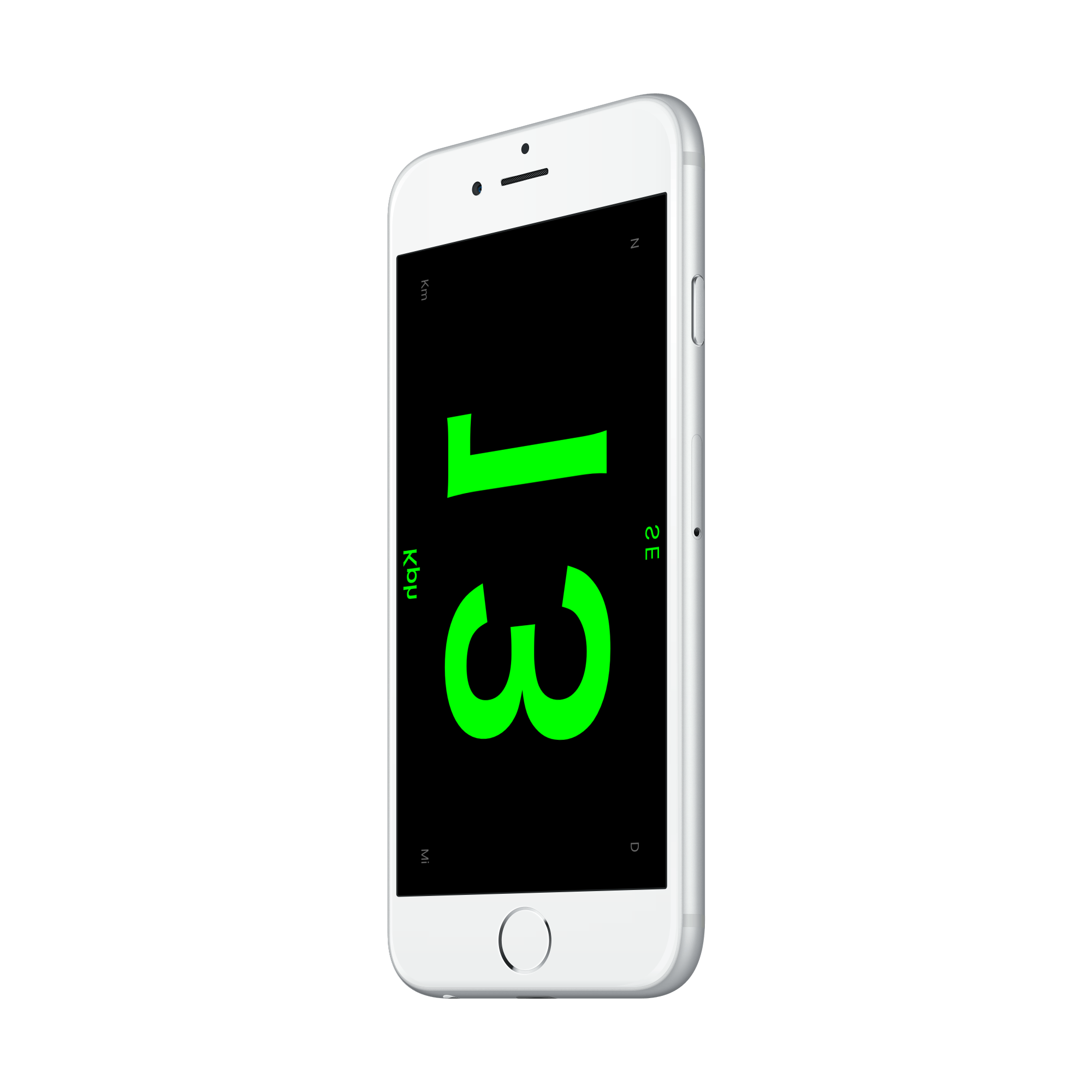
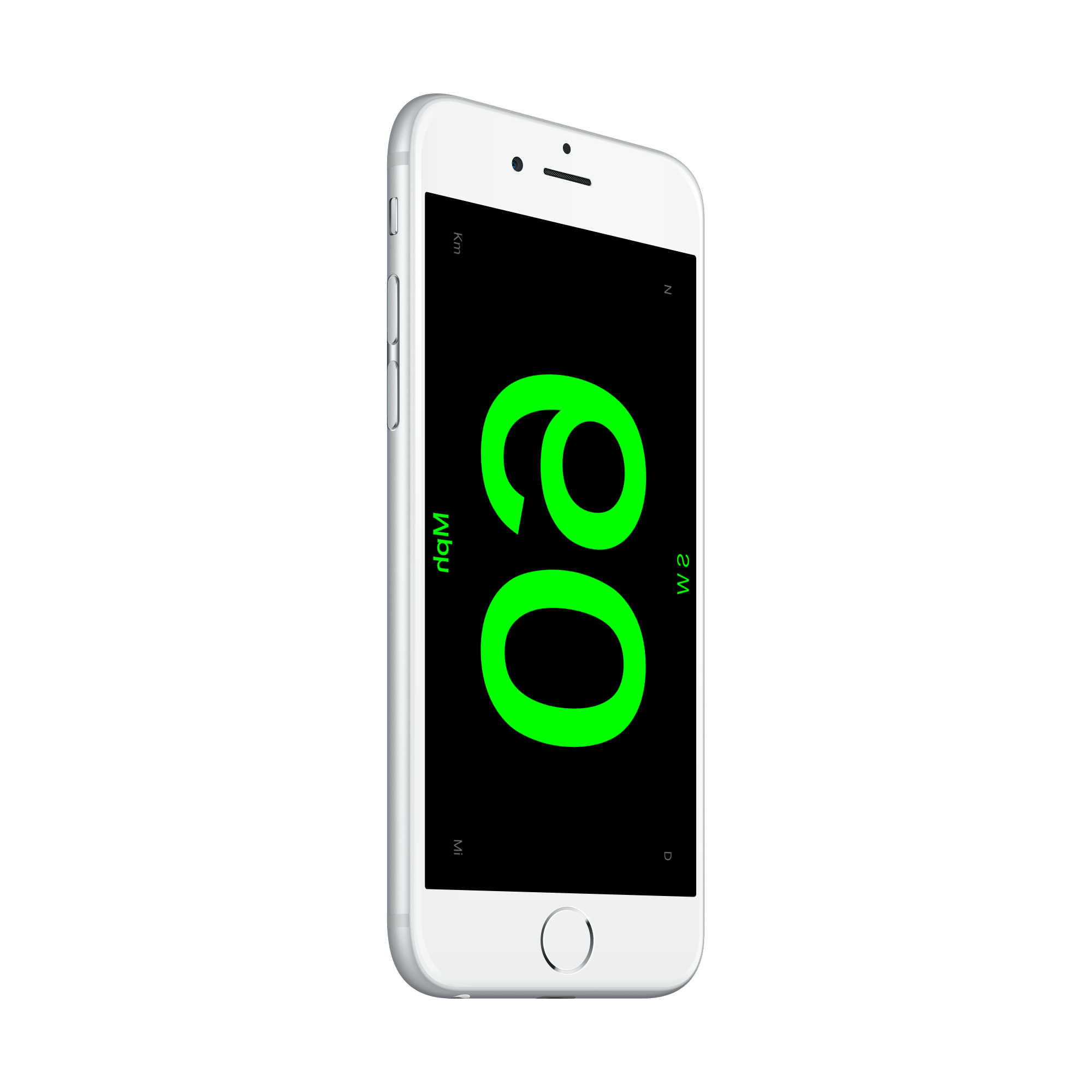
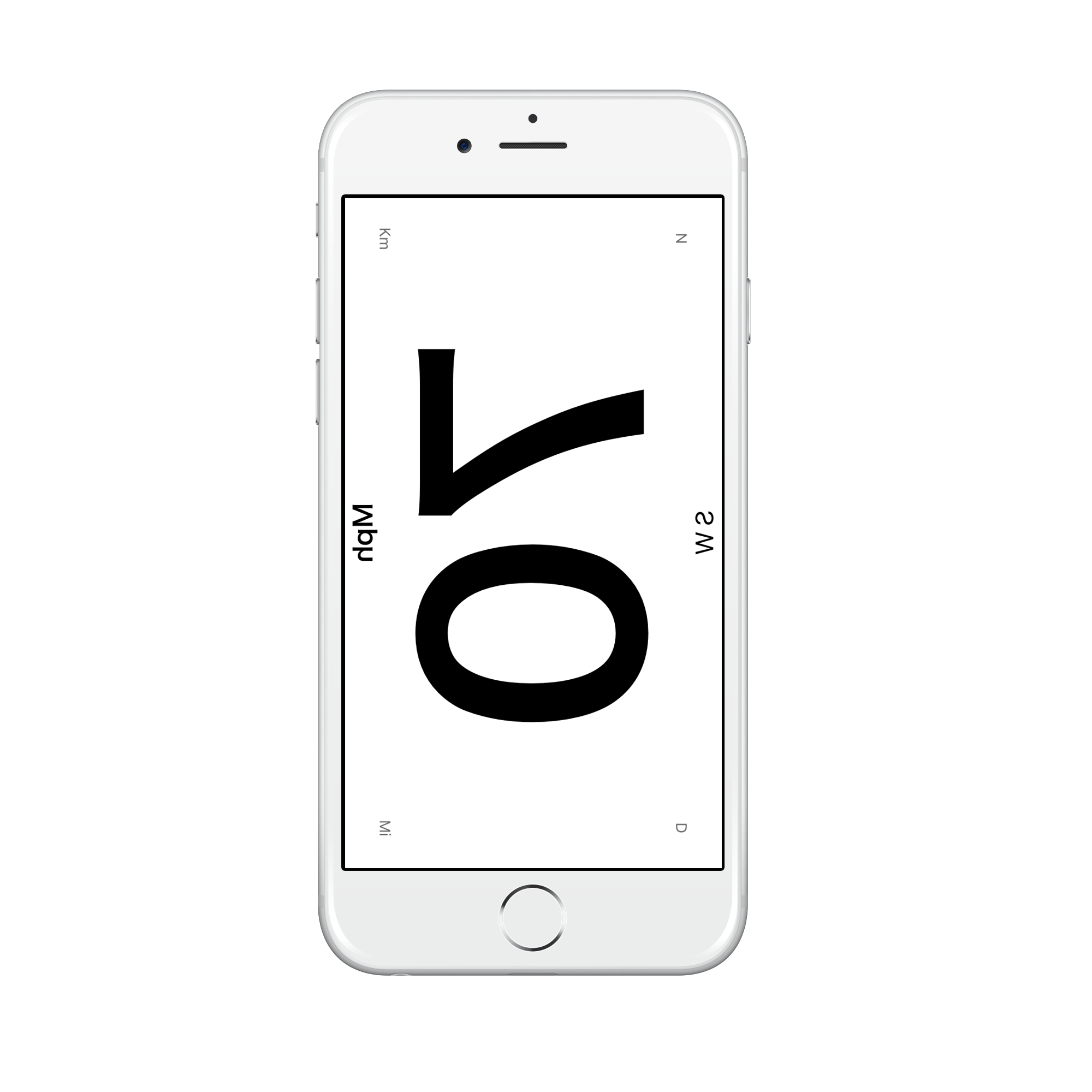
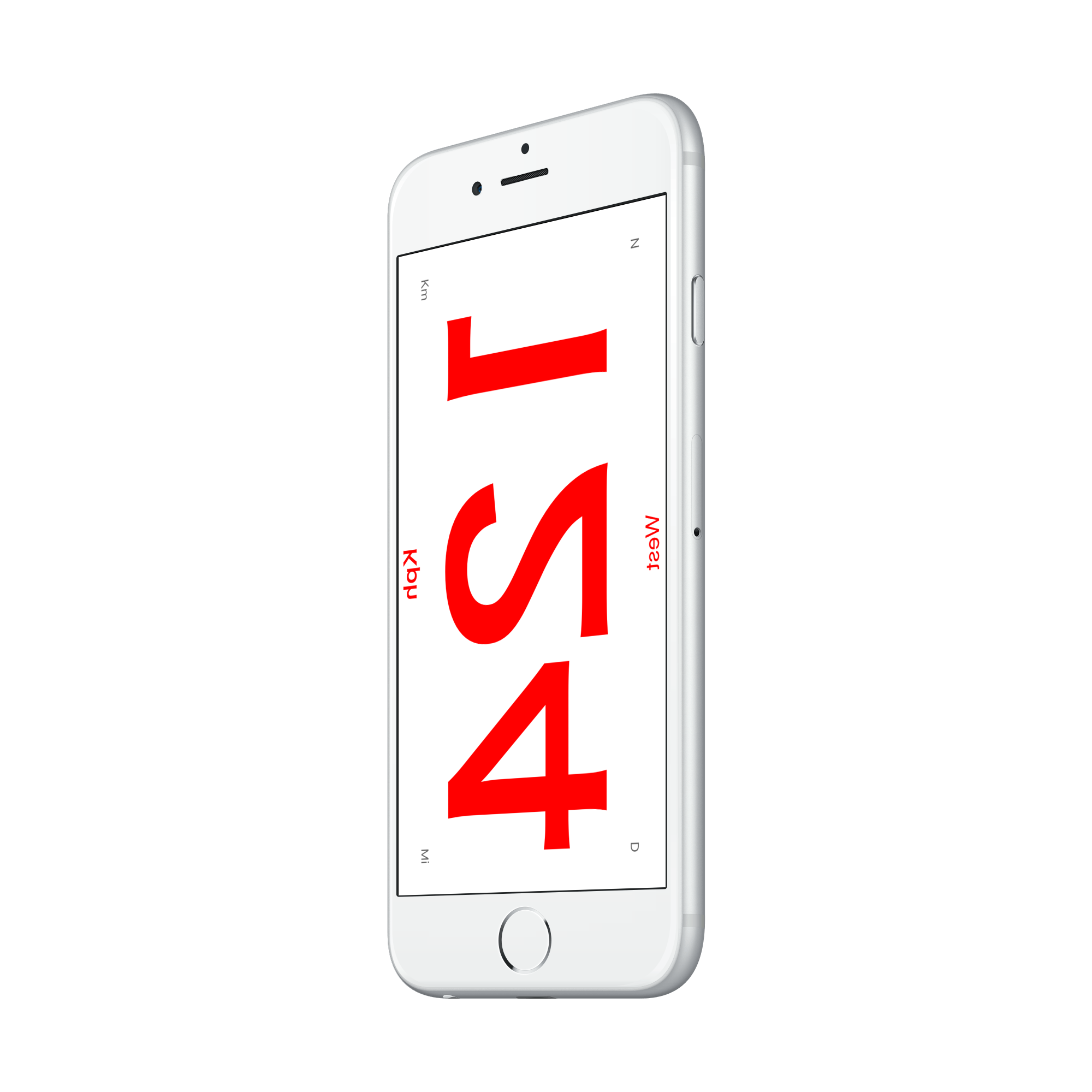
I built a native iOS app using Core Location for real-time GPS speed and heading data, with a mirrored UI designed specifically for windshield projection. The interface uses high-contrast typography and flips the display horizontally so it reads correctly as a reflection.
Features
Real-Time GPS Speed
Uses Core Location’s continuous GPS updates to display current speed with minimal latency. The app filters GPS noise to provide smooth, accurate readings even at low speeds.
Day & Night Modes
Two distinct visual modes: a high-contrast dark mode optimized for nighttime windshield reflection, and a bright mode for daytime use as a standard speedometer display.
Over-Speed Warnings
Users can set a speed threshold. When exceeded, the display changes color and provides visual alerts, useful for school zones, construction areas, or personal speed management.
Screenshots
Impact
- Real-time speed and heading display with sub-second refresh
- Day and night modes optimized for windshield reflection visibility
- Multiple speed unit support (MPH, KPH) with over-speed warnings